

EU PrintLab · DTF Transfers
DTF Custom Transfer Prints
Send us your design and we print it ready to heat press onto almost any fabric. Bright on light and dark colours, soft and stretchy, from a single A4 sheet up to 600 mm wide rolls.
From R 45 per A4 sheet R 149 per metre
DTF at a glance
- Goes on
- Cotton, polyester, blends, denim and canvas. Light and dark fabrics.
- Applied with
- A heat press at 150–160 °C for 10–15 seconds
- Sizes
- A4, A3, A2 or A1 sheets, or 300 mm and 600 mm rolls by the metre
- Best file
- Transparent PNG, 300 DPI at the size you want printed
- Artwork help
- Free file check. Quick fix R75 per file, redraw R250 per design.
- Turnaround
- 2–5 working days after you approve your artwork, or next working day with Rush
DTF or UV DTF? Pick by what you are printing on.
Clothing and fabric need DTF. Mugs, bottles, glass and other hard surfaces need UV DTF.
| DTF You are here | UV DTF For hard surfaces | |
|---|---|---|
| Goes on | Clothing and fabric: T-shirts, hoodies, caps, bags | Hard, smooth items: mugs, tumblers, bottles, glass |
| Applied with | A heat press | Your hands. Peel and stick, no heat |
| Look and feel | Soft, flexible, stretches with the fabric | Slightly raised, glossy, hard finish |
| Lasts | Wash after wash, when applied and cared for correctly | Waterproof and scratch resistant |
| Background | None. Only your design transfers | None. Only your design transfers |
| Price | From R45 per A4 sheet | From R75 per A4 sheet |
Build your order
Four quick steps. Your price updates as you go, and roll prices drop on their own as you order more.
Everything about DTF
- Pick a sheet or a rollSheets for set sizes and small jobs. Rolls by the metre for the lowest price per design.
- Set your size and quantityRoll prices drop on their own at 3, 6 and 10 metres. No codes needed.
- Add your artworkUpload a print-ready file, or let us fix or redraw it for you.
- Choose your turnaroundStandard is 2 to 5 working days. Rush is the next working day. Collect in Kempton Park or we courier it.
Sheets, price per sheet
| Size | Dimensions | Per sheet |
|---|---|---|
| A4 | 210 × 297mm | R 45.00 |
| A3 | 297 × 420mm | R 85.00 |
| A2 | 420 × 594mm | R 145.00 |
| A1 | 594 × 841mm | R 199.00 |
300 mm roll, price per metre
| Order | Saving | Per metre |
|---|---|---|
| Any length | Standard price | R 149.00 |
600 mm roll, price per metre
| Order | Saving | Per metre |
|---|---|---|
| Any length | Standard price | R 229.00 |
Artwork help and rush
| Service | What it covers | Price |
|---|---|---|
| Artwork check | We check every file and tell you if anything is wrong. | Free |
| Quick fix | We remove a white background, resize to print size, remove shadows and fades, and thicken fine lines. | R 75.00 per file |
| Redraw | A low-res or blurry logo redrawn or vectorised, and the text retyped. | R 250.00 per design |
| Rush | Ready the next working day after you approve your artwork. | R 150.00 per order |
All prices exclude delivery. Nationwide delivery via PUDO or courier.
DTF artwork checklist
- File type
- PNG is best. PDF, SVG and AI also work.No Word, PowerPoint or screenshots.
- Background
- Transparent only. Anything white in your file prints as white ink.
- Resolution
- 300 DPI at the size you want it printed.Logos saved from a website or WhatsApp are usually too small and print blurry.
- Size
- Make your canvas the size you are ordering (table below) and place each design at its real print size.
- Colour
- CMYK preferred. RGB is fine, with possible small colour shifts. Printed colours can differ slightly from your screen.
- Text
- Convert fonts to outlines. Check spelling: we print exactly what you send.
- Effects
- Avoid soft shadows, glows, fades and see-through areas. They print poorly or not at all.
- Fine lines
- Very thin lines and tiny text may not hold. If in doubt, ask us to check.
- Spacing
- Leave space around each design so you can cut it out.
Canvas sizes at 300 DPI
Set up your file at exactly the size you are ordering, so every design prints at the size you placed it.
| You are ordering | Canvas in mm | Canvas in pixels |
|---|---|---|
| A4 sheet | 210 × 297 mm | 2480 × 3508 px |
| 300 mm roll, per metre | 300 × 1000 mm | 3543 × 11811 px |
| A3 sheet | 297 × 420 mm | 3508 × 4961 px |
| A2 sheet | 420 × 594 mm | 4961 × 7016 px |
| A1 sheet | 594 × 841 mm | 7016 × 9933 px |
| 600 mm roll, per metre | 600 × 1000 mm | 7087 × 11811 px |
Common problems, and how we fix them
Still unsure? Send us your file before you order and we will check it for free. Read the full File Submission Guide
DTF stands for Direct to Film. We print your design in full colour, with a layer of white ink behind it, onto a special clear film. A heat-activated glue is then melted onto the back of the print.
You place the transfer on the garment and heat press it. When you peel the film off, only your design is left, with no box or background around it.
It works on light and dark fabrics, holds fine detail and gradients, and stays soft and flexible, so it stretches with the garment.
Works great on
- T-shirts, golf shirts and hoodies
- Caps and hats (with a cap press)
- Tote bags, aprons and canvas bags
- Workwear, overalls and uniforms
- Sports kit, jerseys and team wear
Not suited to
- Mugs, glass, bottles or any hard surface (use UV DTF)
- Waterproof or coated fabrics, nylon and rain jackets. Test first.
- Very rough or fluffy fabrics like fleece pile and towelling
How to apply
- Pre-heat your heat press to 150–160 °C.
- Press the empty garment for 3–5 seconds to remove moisture and creases.
- Place the transfer print-side up and press for 10–15 seconds at medium to firm pressure.
- Peel the film off as per the instructions for your film (hot or cold peel).
- For extra durability, cover with baking paper and press again for 5 seconds.
Care
- Wait 24 hours before the first wash.
- Turn the garment inside out and wash at 30–40 °C.
- No bleach or fabric softener.
- Line dry, or tumble dry on low.
- Never iron directly on the print.
Which size should I choose?
Sheets suit set sizes and small jobs. For lots of copies or a mix of designs a roll is cheaper per design, and the 600 mm roll is the cheapest of all for the area you get. Large back prints need the 600 mm roll or an A2 or A1 sheet.
My logo is blurry or has a white background. Can you fix it?
Yes. Every file gets a free check. A Quick fix (R75 per file) removes a white background, resizes to print size, removes shadows and fades and thickens fine lines. A Redraw (R250 per design) rebuilds a low-res or blurry logo as a clean vector and retypes the text.
Can I get my order faster?
Yes. Choose Rush in step 4 and your order is ready the next working day after you approve your artwork, for R150 per order.
Can I apply DTF with a household iron?
We do not recommend it. An iron does not give even heat or enough pressure, so the transfer may peel or crack after washing. A heat press gives a lasting result.
Do you cut out the designs?
No. We print, we do not cut. You get the printed sheet or roll and cut your transfers out yourself.
My file is too big to upload. What now?
Upload it to Google Drive, OneDrive, Dropbox or WeTransfer, set it to Anyone with the link, and paste the link in the order form.
How to share your artwork file
Choose your storage platform below and follow the steps — it only takes a minute.
Google Drive
- Go to drive.google.com and find your file.
- Right-click the file and choose Share.
- Under General access, click the dropdown and select Anyone with the link.
- Click Copy link, then paste it in the box on this page.
OneDrive
- Go to onedrive.live.com and find your file.
- Right-click the file and choose Share.
- Make sure the setting says Anyone with the link can view.
- Click Copy, then paste the link in the box on this page.
WeTransfer
- Go to wetransfer.com.
- Click I'll get a link, then add your file.
- Click Get a link and copy it.
- Paste the link in the box on this page.
Dropbox
- Go to dropbox.com and find your file.
- Hover over the file and click Share.
- Make sure it says Anyone with the link can view.
- Click Copy link, then paste it in the box on this page.
Important: always set sharing to Anyone with the link — not "Specific people" — otherwise we cannot open your file and your order will be delayed.
Hi I want to thank you once again for the fast service and great quality of work. I wanted to share the end product with you. I made this for my upcoming daughter in law and my granddaughter. Thank you for making it possible. I will make use of your service again in the future.
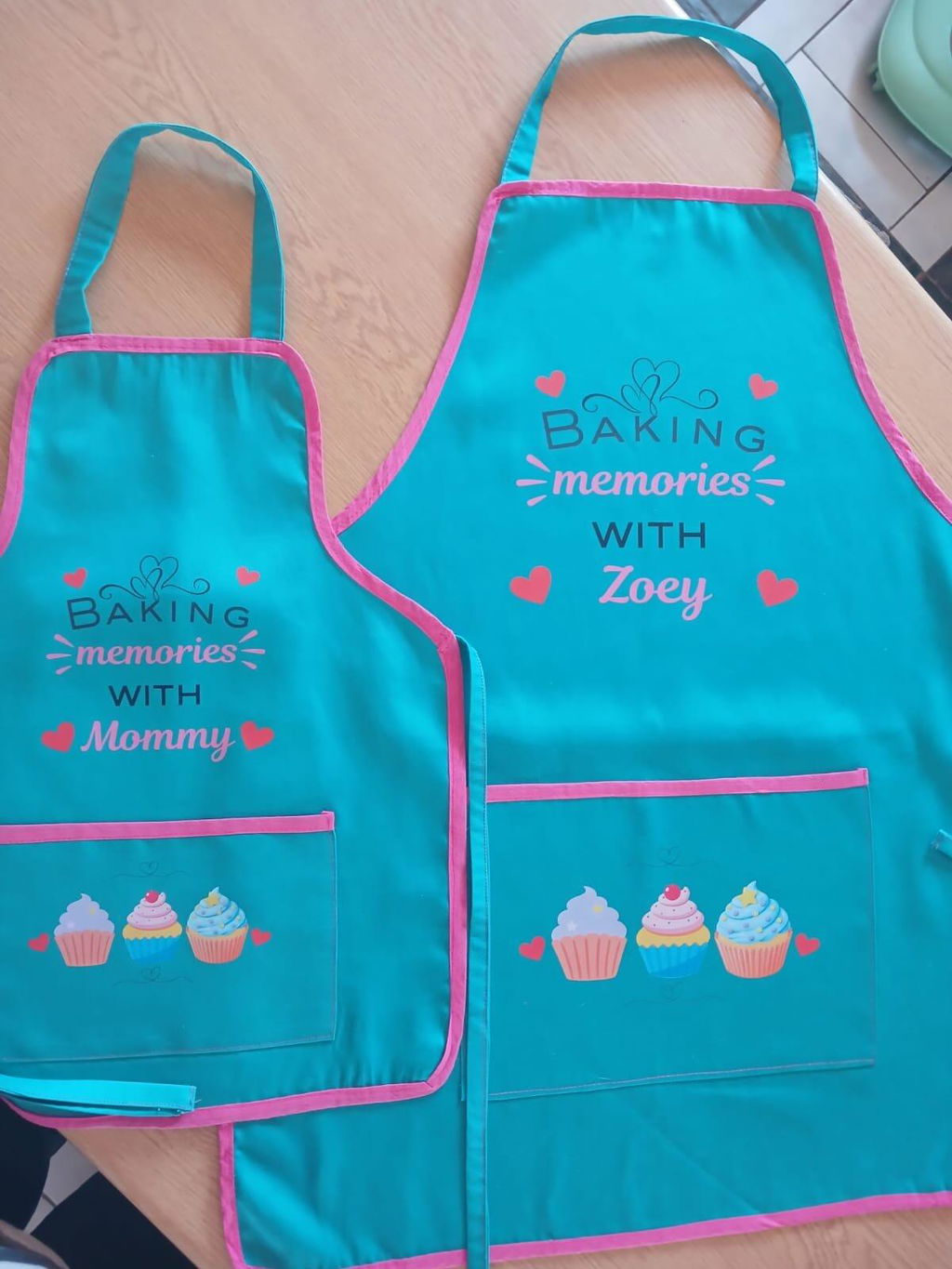
Thank you
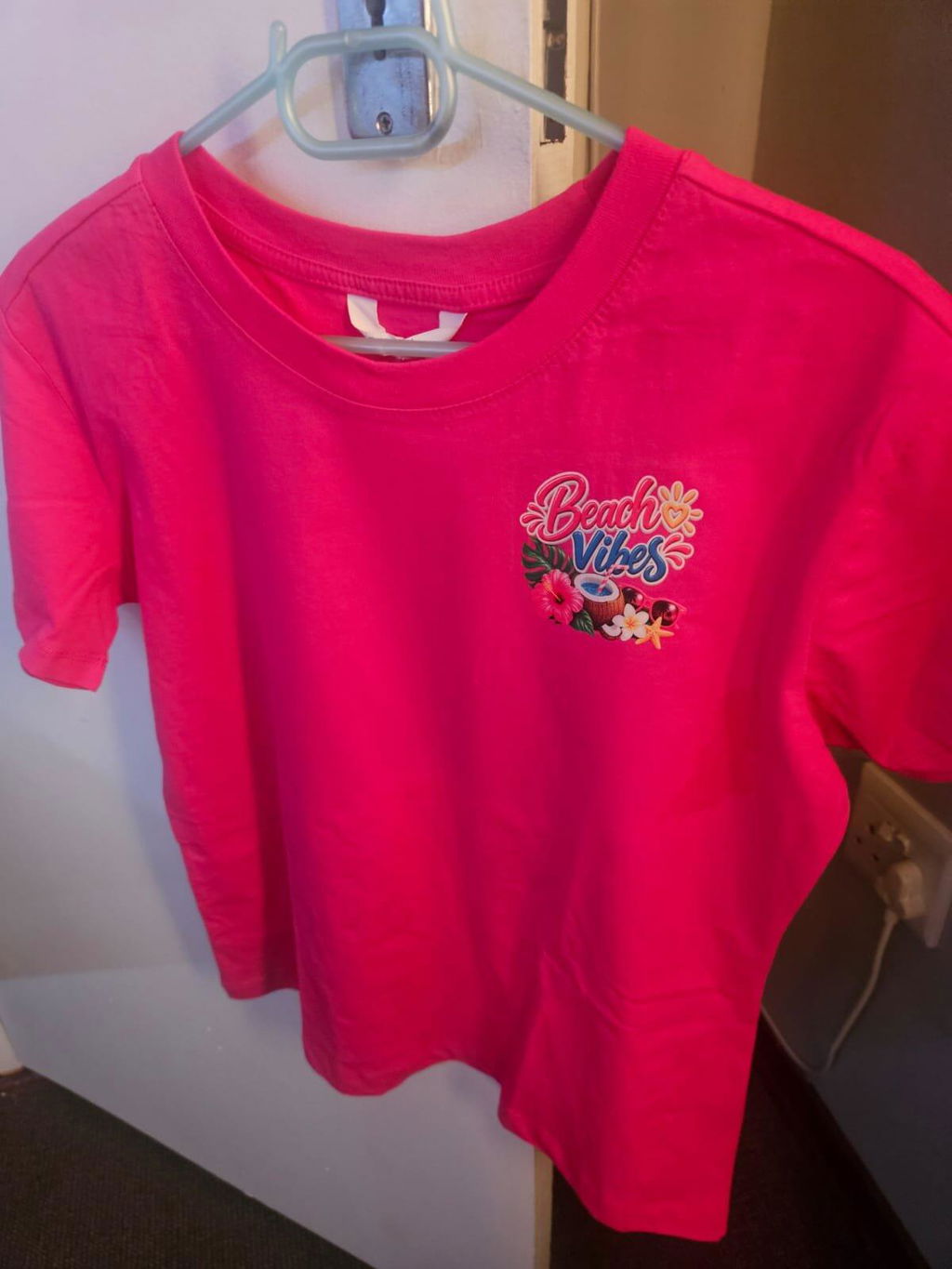
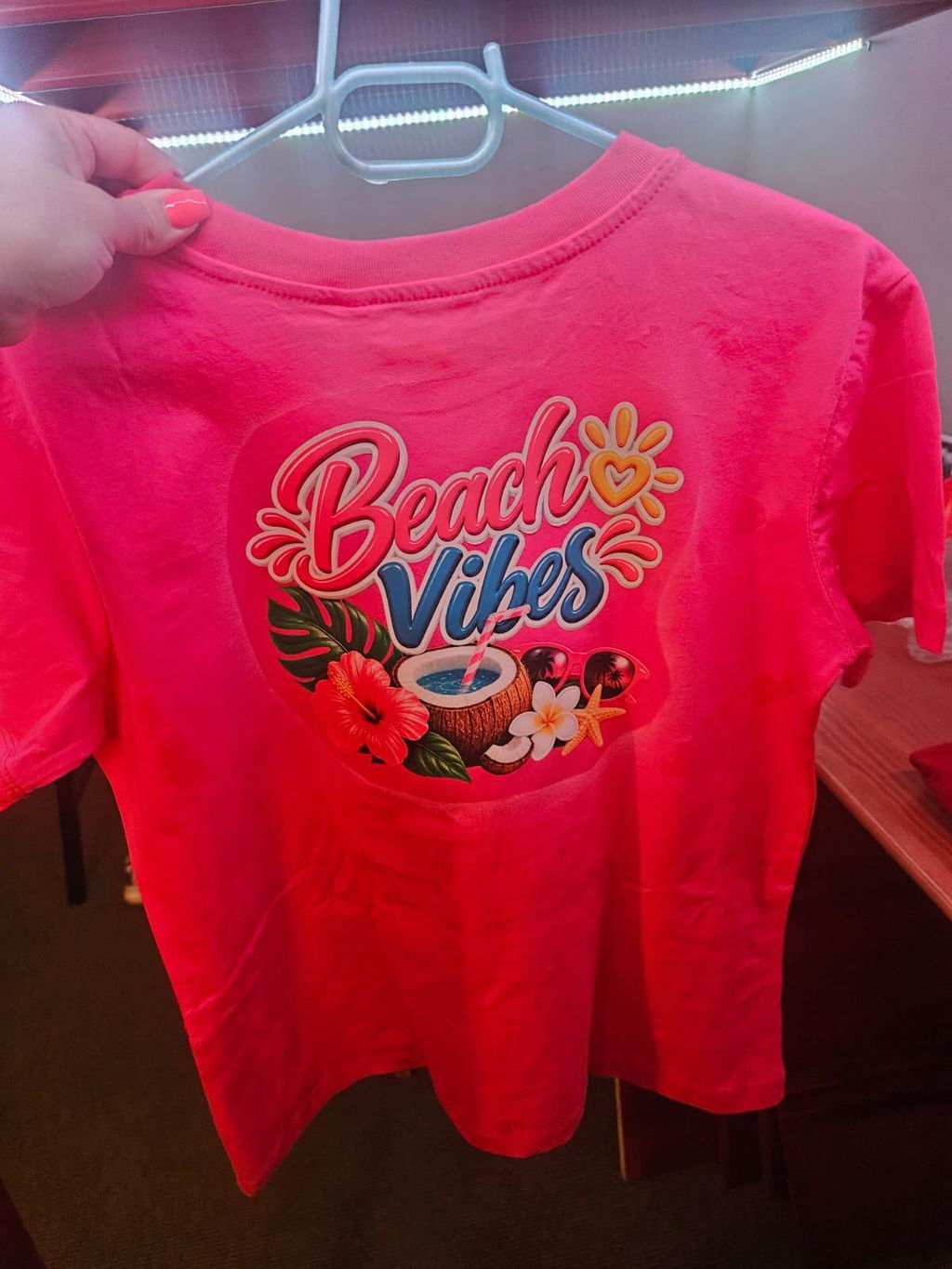
Always happy with my Transfers!
Ek kan Margie uit die diepte van my hart aanbeveel! ❤️ Sy het vir my die mooiste T-hemde gemaak – haar werk is absoluut besonders en die kwaliteit is ongelooflik mooi. 👕✨
Margie is nie net ongelooflik talentvol nie, maar ook so ’n oulike mens om mee te deel. Sy is vriendelik, hulpvaardig en sit soveel liefde en aandag in haar werk. Jy kan sommer sien sy doen dit met passie! 🥰
Baie dankie, Margie, vir my pragtige T-hemde. Ek is absoluut mal daaroor! ❤️ Ek sal jou beslis weer gebruik en kan jou met ’n geruste hart vir enige iemand aanbeveel. 🌸
Jou werk is werklik besonders! 🌟
Good morning, yes I did receive it yesterday🌸Thank u so so much I am very very happy with the quality and your, pricing🌸
Great experience and excellent customer service


